Press kit

Atheria

Living generative art for the Mac desktop, and a flame studio for iPhone, iPad and iPhone Duo. Every fractal flame grows live on the GPU and never repeats. Made by one developer, Ben James.

Mac App Store App Store for iPhone and iPad Email Ben

Everything on this page is free to use in coverage of Atheria. Each image opens at full size. If you need something that is not here, or a code for Atheria Pro to review the Mac app, email Ben@atheria.app.

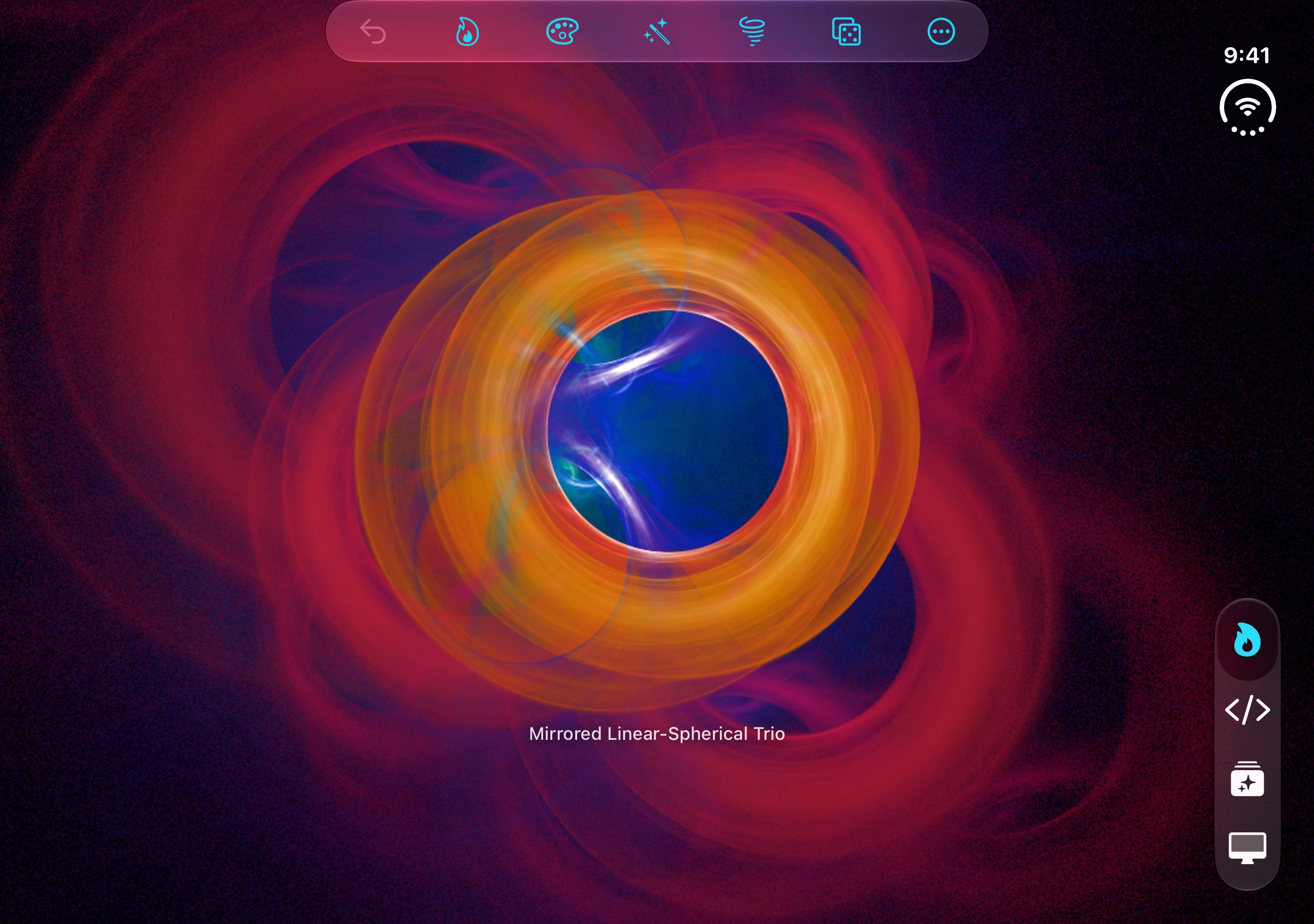
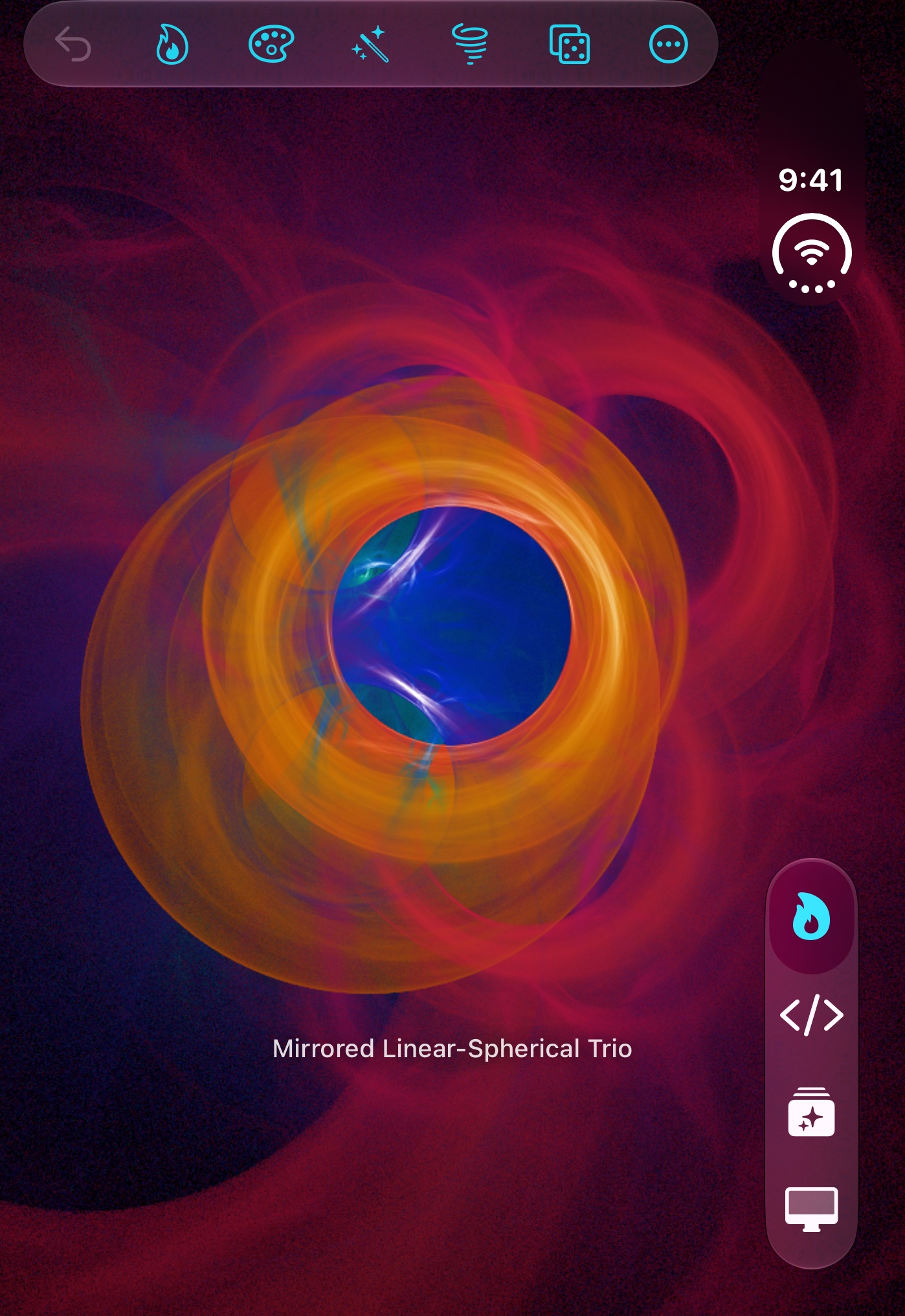
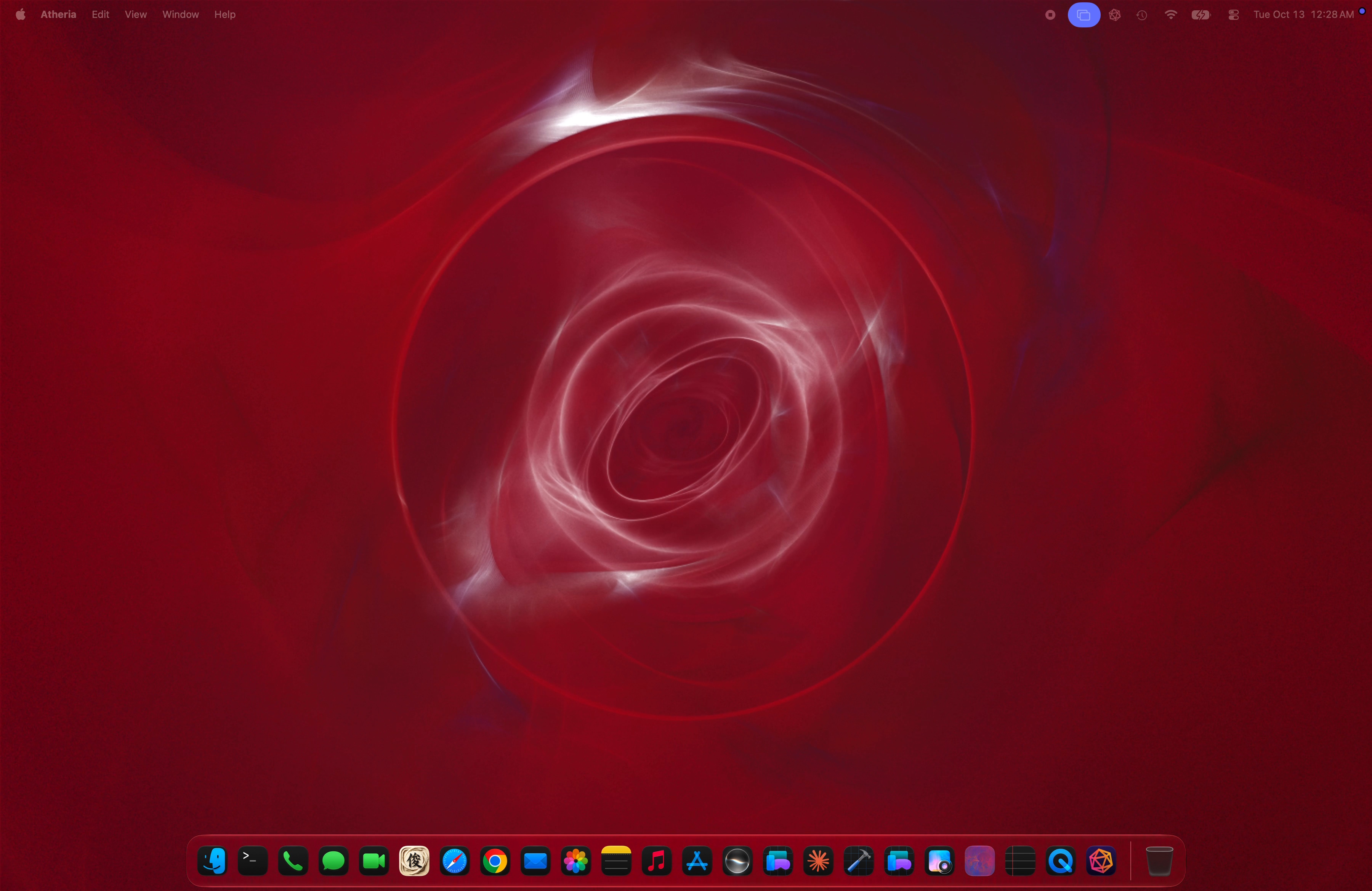
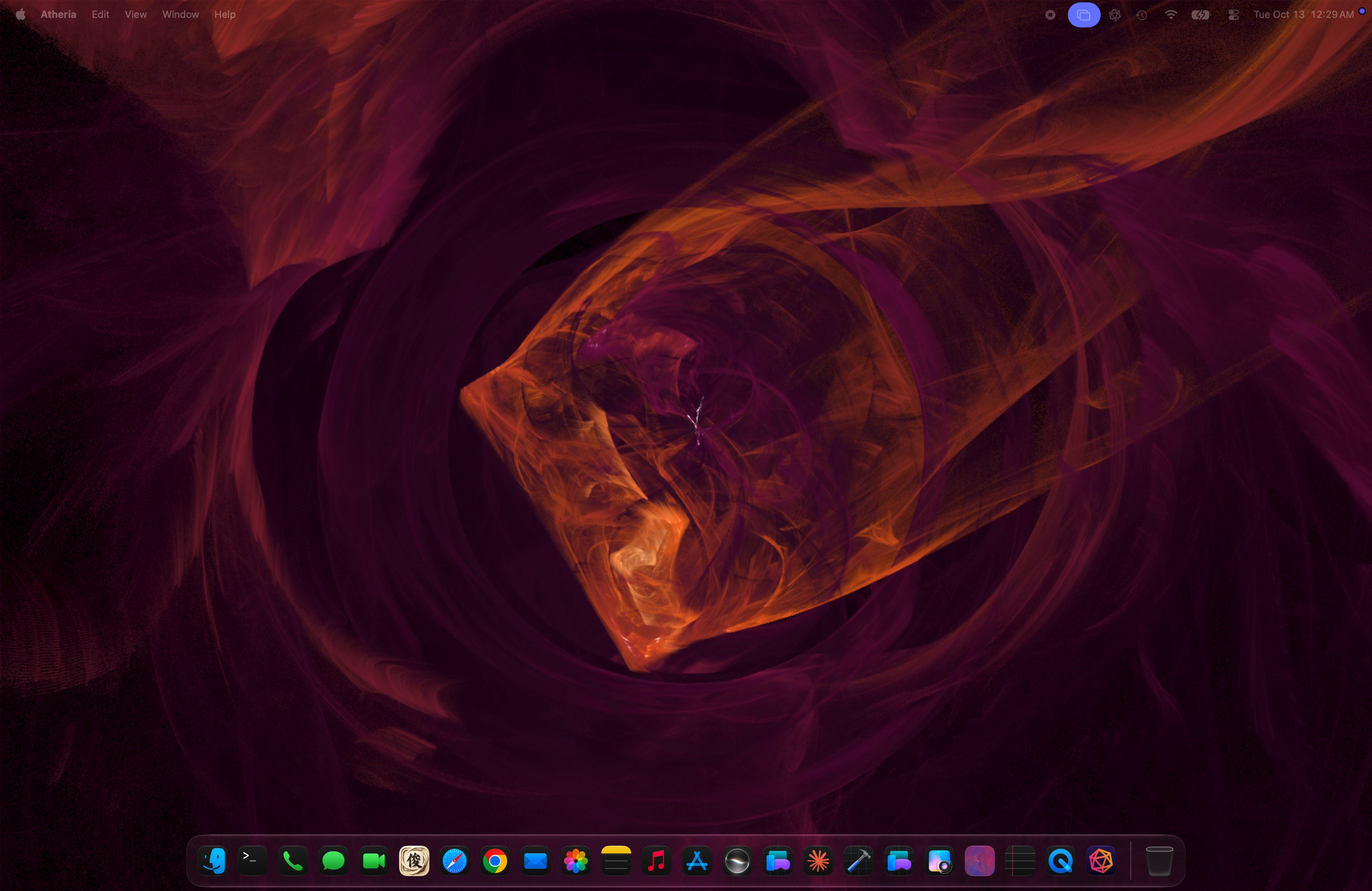
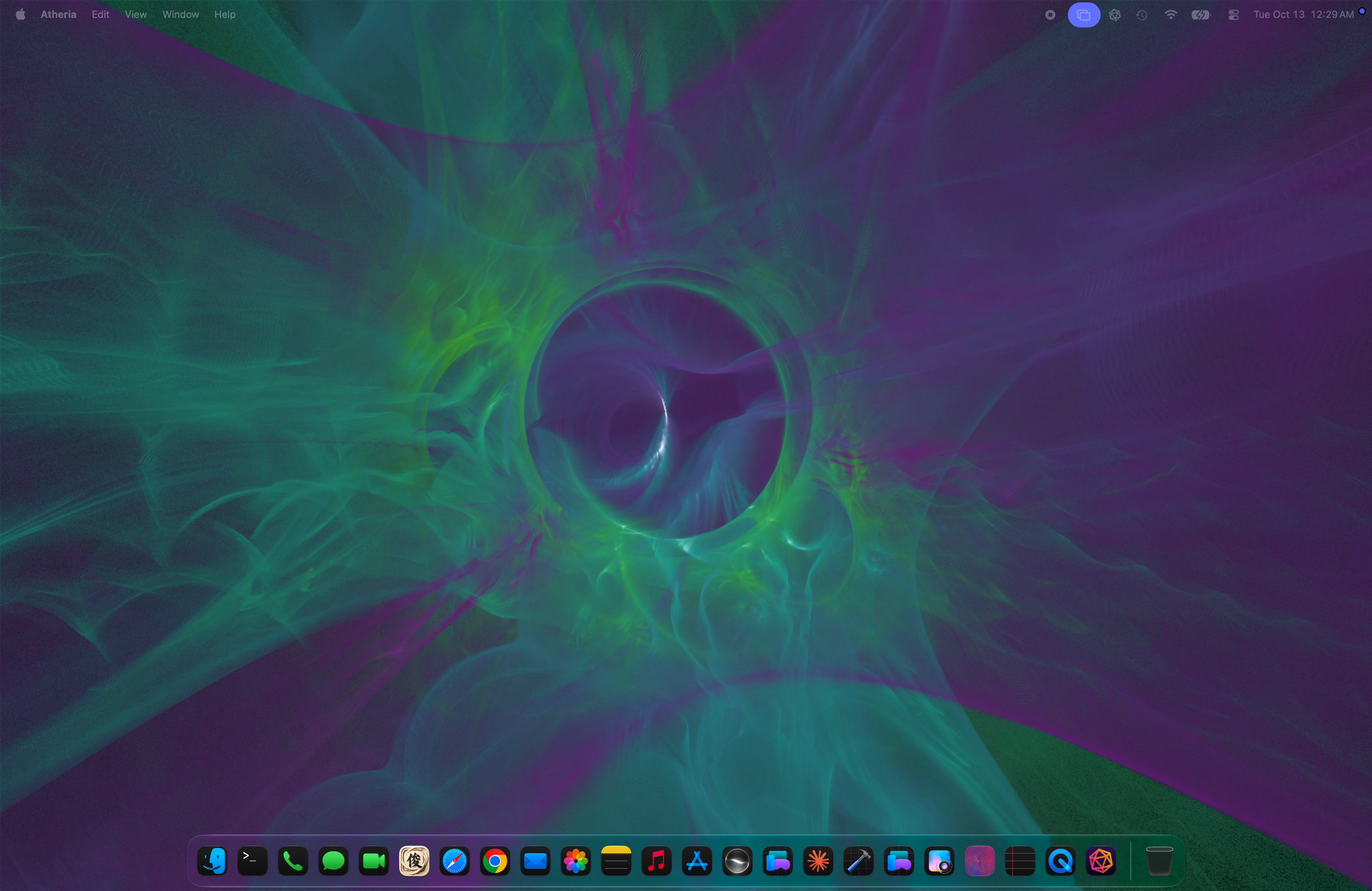
Flame Journey: three flames morphing into one another, rendered live. Download the loop (1920x824, 30 s, 10.4 MB).

Two apps, one engine

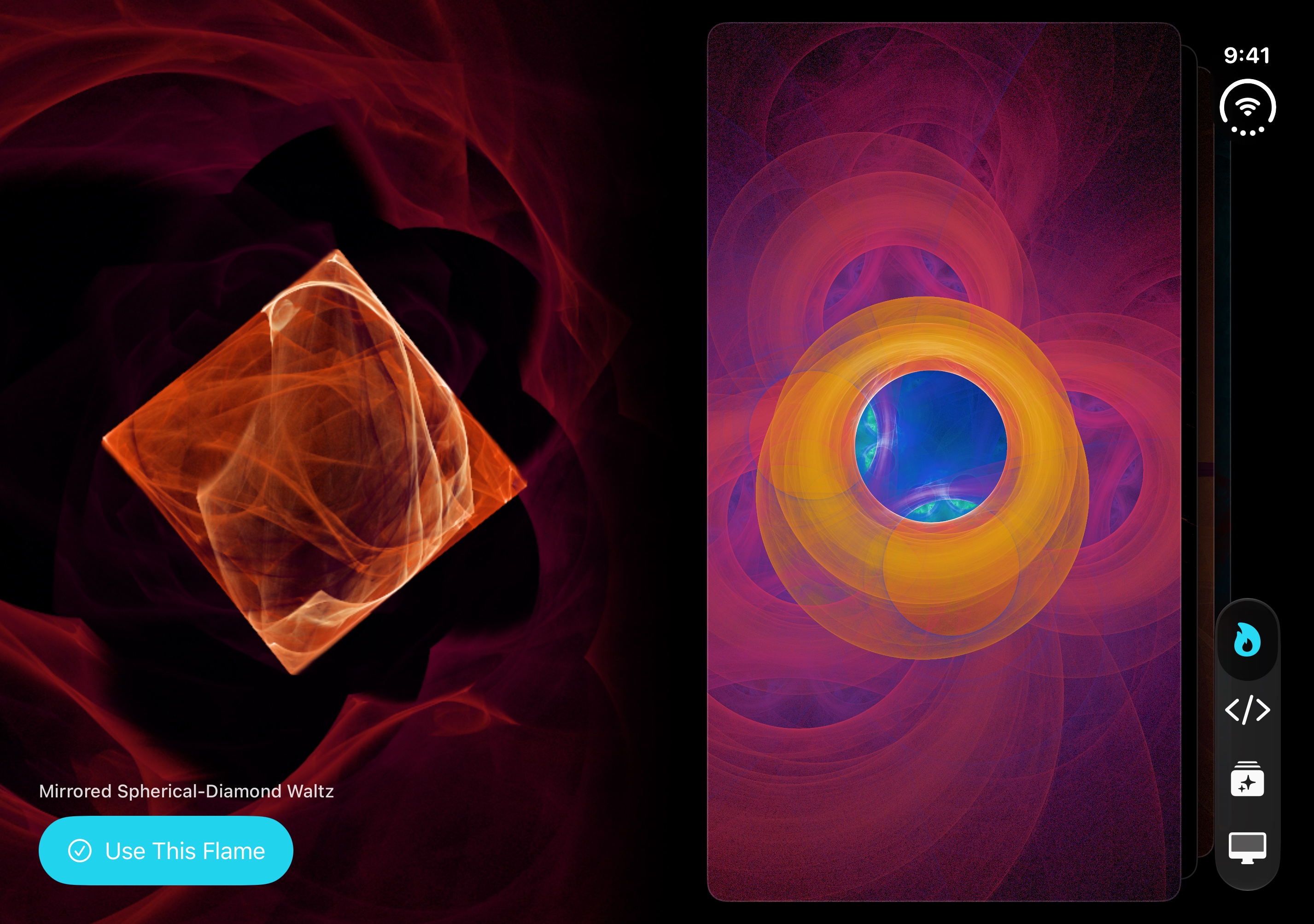
The Mac app is the living wallpaper. The iPhone and iPad app is where flames are grown, colored and shared, and it is free. Flames move between the two as short text codes or with Handoff.

The Atheria app icon: an icosahedron built from glass rods in pink and amber

Atheria: Living Wallpapers

macOS 15 or later, Apple Silicon and Intel. Free, with a one-time $9.99 Atheria Pro. Version 1.7.2.

One line

Living generative art for your Mac desktop that pauses itself whenever the desktop is covered.

Short description

Atheria turns the Mac desktop into living art: fractal flames and shaders that render live on the GPU and never repeat. It stops rendering the moment windows cover the desktop, so it costs nothing while you work, and Quiet While You Work turns the wallpaper into a still and can dim it while the apps you choose are in front. You can grow your own flames in the Flame Creator, and the lock screen and menu bar follow along.

apps.apple.com/us/app/atheria-living-wallpapers/id6780326970
The Atheria app icon: an icosahedron built from glass rods in pink and amber

Atheria: Generative Art

iPhone, iPad and iPhone Duo, iOS 18 or later. Free, no In-App Purchases, no account. Version 1.6.3.

One line

Grow living fractal flames and write Metal shaders on iPhone, iPad and iPhone Duo.

Short description

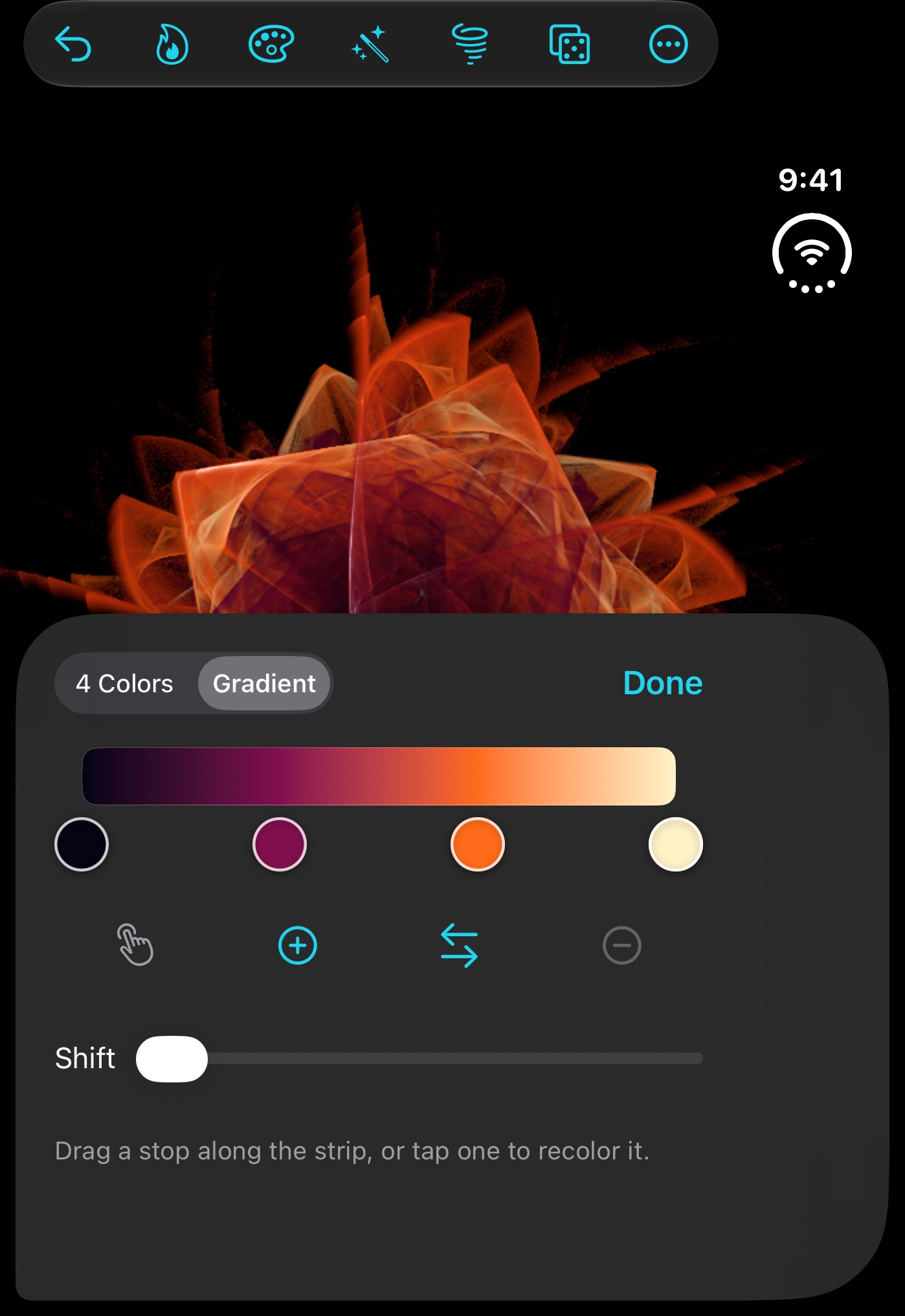
Atheria: Generative Art grows living fractal flames on your device and runs Metal shaders you write yourself. Mutate a flame one step at a time, recolor it with four colors or a full gradient, save it as a Live Photo to use as your lock screen, and send it to the Mac app as a short text code or with Handoff. On iPhone Duo it opens like a book, stands up like a laptop and becomes a desk clock on the charger.

apps.apple.com/us/app/atheria-generative-art/id6787882705

New

Made for iPhone Duo

Atheria: Generative Art was built for every iPhone Duo pose with the iOS 27.1 SDK, and it was ready the day iPhone Duo went on sale.

Half open, like a book

Flames turn like pages. A living flame fills the left page and the next ones wait in a stack on the right; swipe the stack and the next flame comes alive.

Standing up, like a laptop

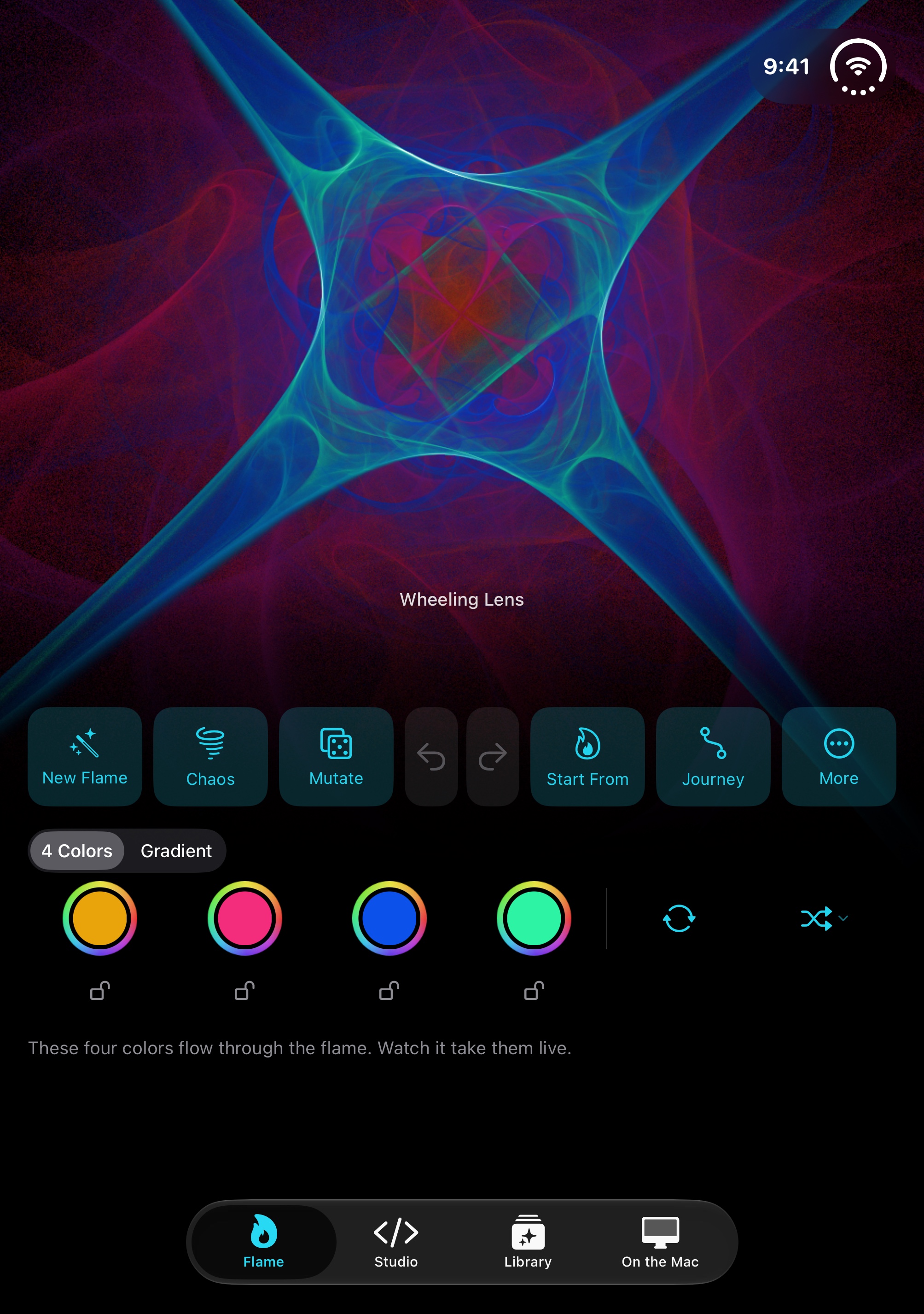
The flame sits above the fold with its controls below, where your hands are.

A desk clock

Leave it standing on the charger for two minutes, or tap Journey, and it becomes a desk clock with flames morphing on the top half.

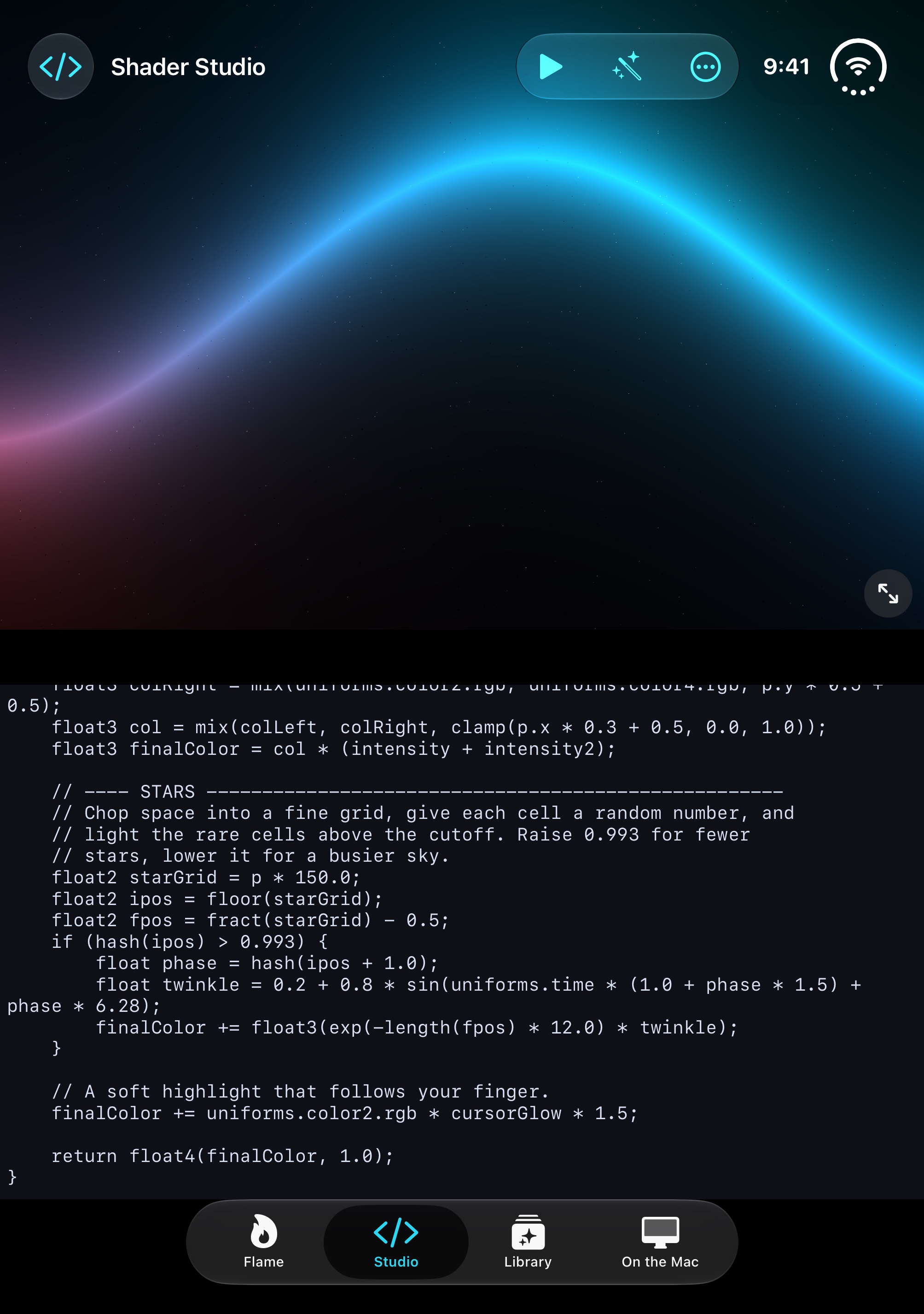
Shader Studio

Standing up, the shader runs on the top half and the code sits below, moving up for the on-screen keyboard.

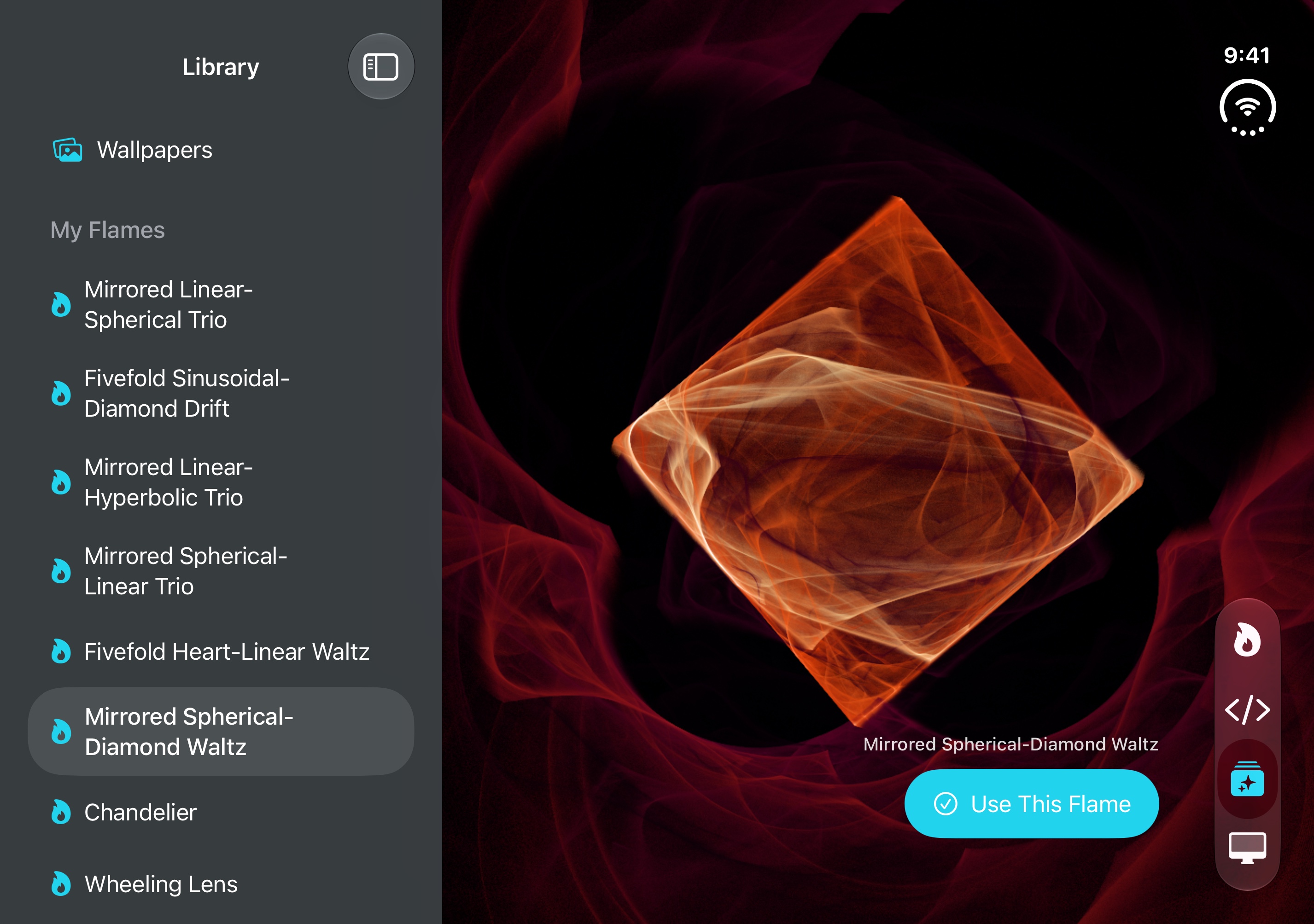
Open flat

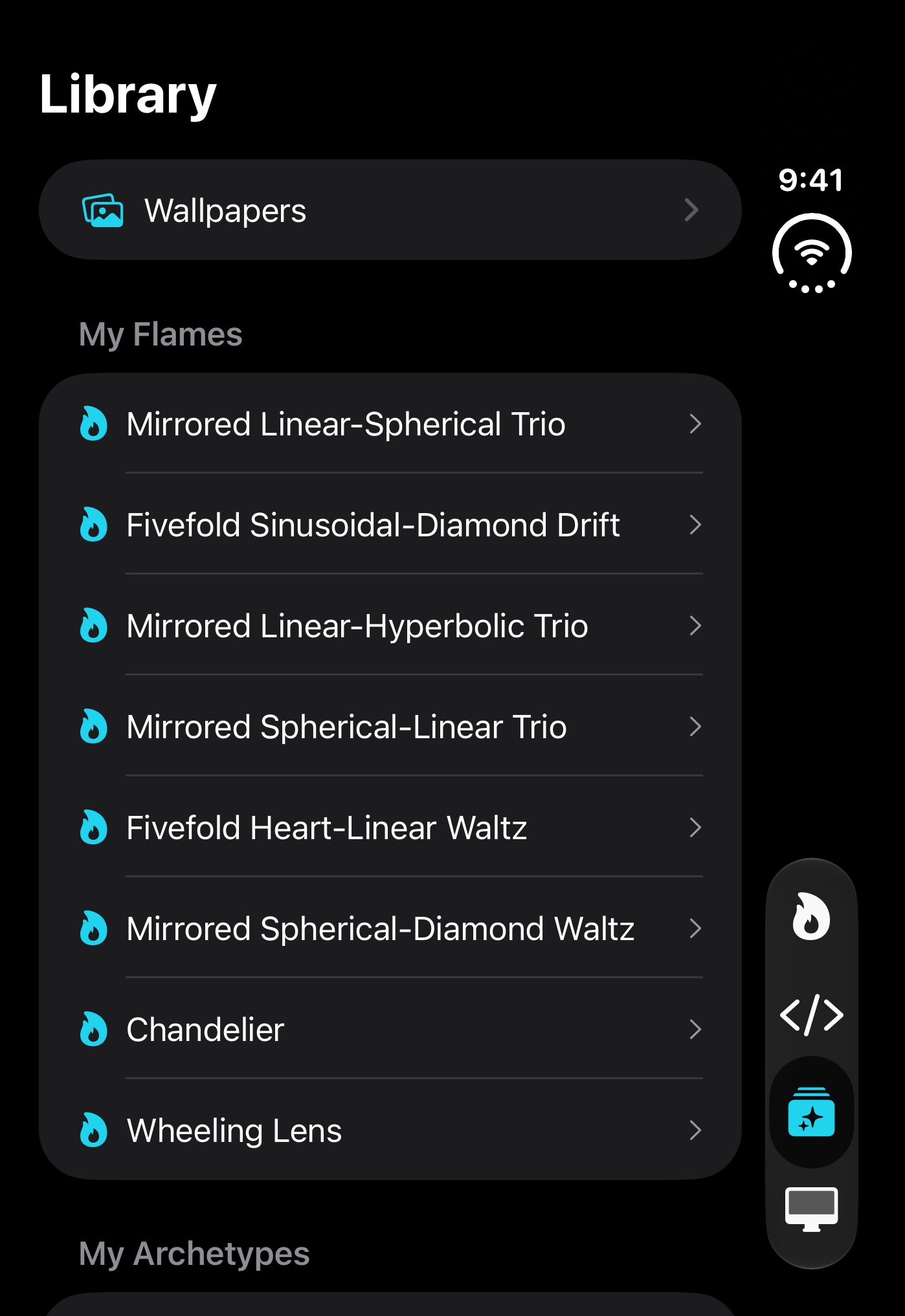
Turned sideways, the flame you tap in the Library plays right beside the list.

For everyone

VoiceOver and Switch Control turn the book's pages, and Reduce Motion fades between them instead.

Journey above the desk clock, standing up. 30 s. Download (886x1920, 9.1 MB)
Colors and Gradient, standing up. 30 s. Download (886x1920, 13.8 MB)

Atheria for Mac

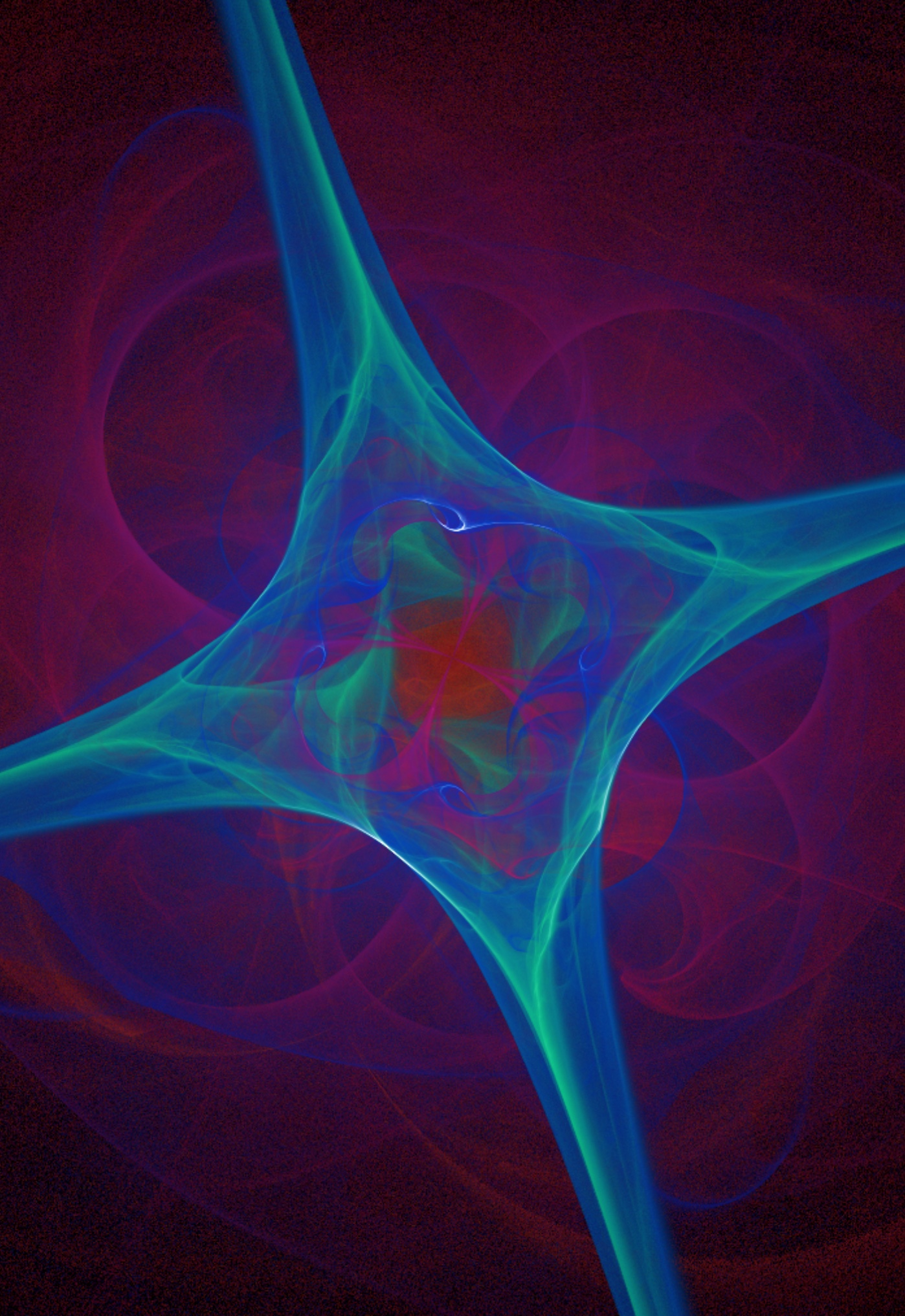
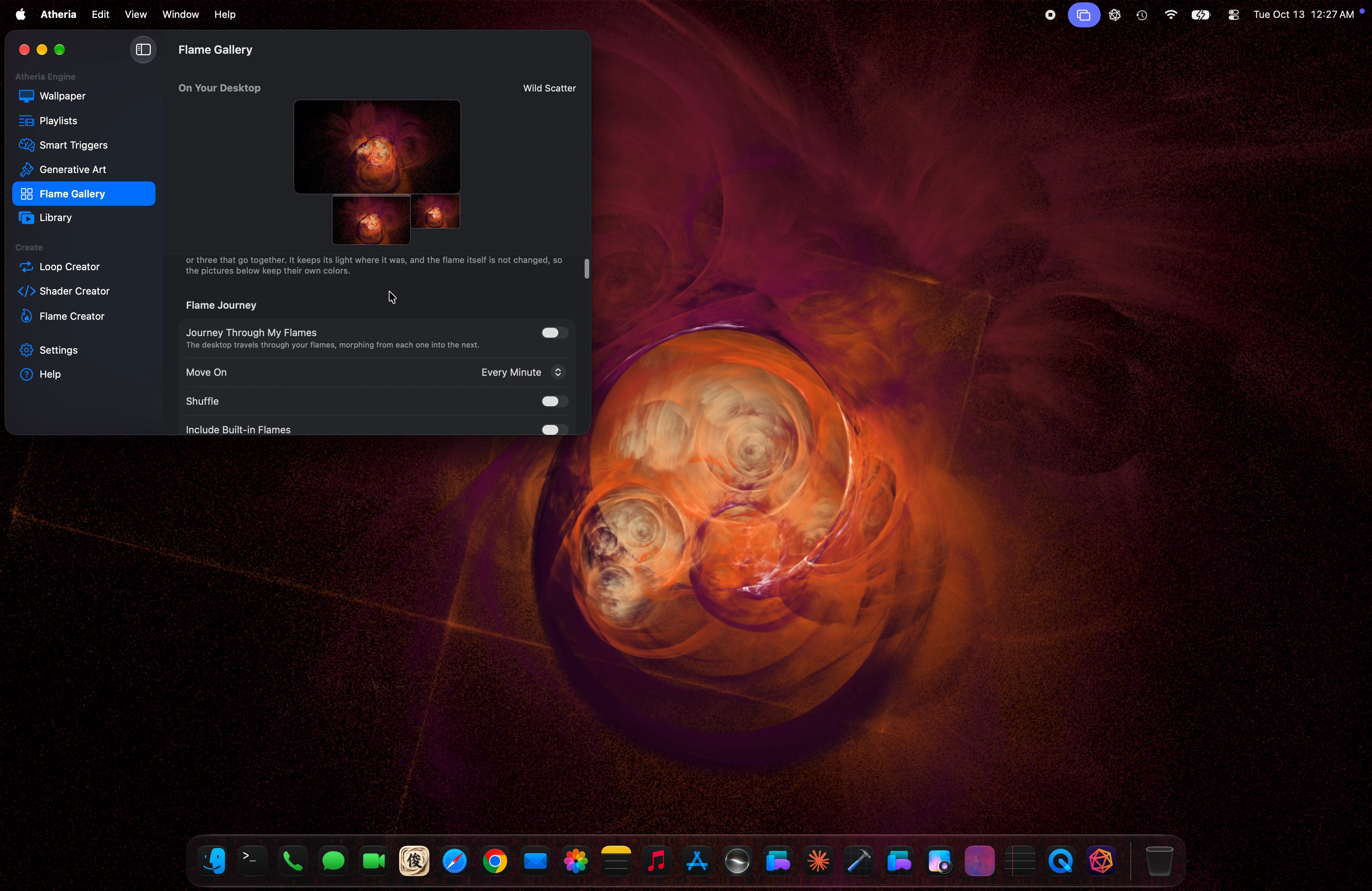
Atheria turns the desktop into a gallery of living art. Its fractal flames are computed on the GPU frame by frame, so they keep evolving instead of looping a video, and Flame Journey morphs through a whole library of them, every minute or once a day.

Knows when to disappear

The wallpaper stops rendering the moment windows cover the desktop: Activity Monitor reads a flat 0.0% CPU while it is hidden. It also pauses on low battery and in Low Power Mode.

Quiet While You Work

Choose the apps you focus in. While one of them is in front, the living wallpaper becomes a still and can dim, so it never competes for your attention.

Make your own

The Flame Creator grows flames from archetypes, a Chaos roll or a blank canvas. The Advanced Flame Editor offers 409 variations and opens .flame files from Apophysis, JWildfire and flam3. Both are free to use.

Shared as text

A whole flame fits in a short text code, so sharing one is lossless and needs no account. Paste it and you get the identical flame at your display's resolution.

Quiet While You Work and Flame Journey on a MacBook: one continuous screen recording, 2 min 27 s. Download (1920x1246, 79.4 MB)
Mac App Store preview, "Grown, not played". 27 s. Download (1920x1080, 25.1 MB)

Mac stills are frames from the screen recording above, at the MacBook's full 3600x2338.

Fact sheet

DeveloperBen James, solo developer
Mac appAtheria: Living Wallpapers, version 1.7.2. macOS 15 or later, Apple Silicon and Intel.
iPhone and iPad appAtheria: Generative Art, version 1.6.3. iOS 18 or later. Made for iPhone Duo.
PriceMac: free to download; Atheria Pro is a one-time $9.99 purchase, with no subscription. iPhone and iPad: free, with no In-App Purchases.
LanguagesEnglish, German and Japanese, in both apps
PrivacyNo account, no data collected. Everything renders on the device.
Built withSwift, SwiftUI and Metal
Websiteatheria.app
Press contactBen@atheria.app

About the developer

Atheria is made by Ben James, a solo developer who went down a rabbit hole of generative art. Its flames are grown rather than drawn: a handful of numbers run through the fractal flame technique behind Electric Sheep and Apophysis, computed live on the GPU of whatever device it runs on.

Flames from Atheria also live as metal prints on Displate and as films on YouTube.

Downloads

Full-size files, free to use in coverage of Atheria. Sizes are in megabytes (1 MB = 1,000,000 bytes).

Get in touch

Email Ben@atheria.app for interviews, review codes for Atheria Pro, higher-resolution files or anything else. Ben reads and answers every email.