Not a picture.
A set of numbers.
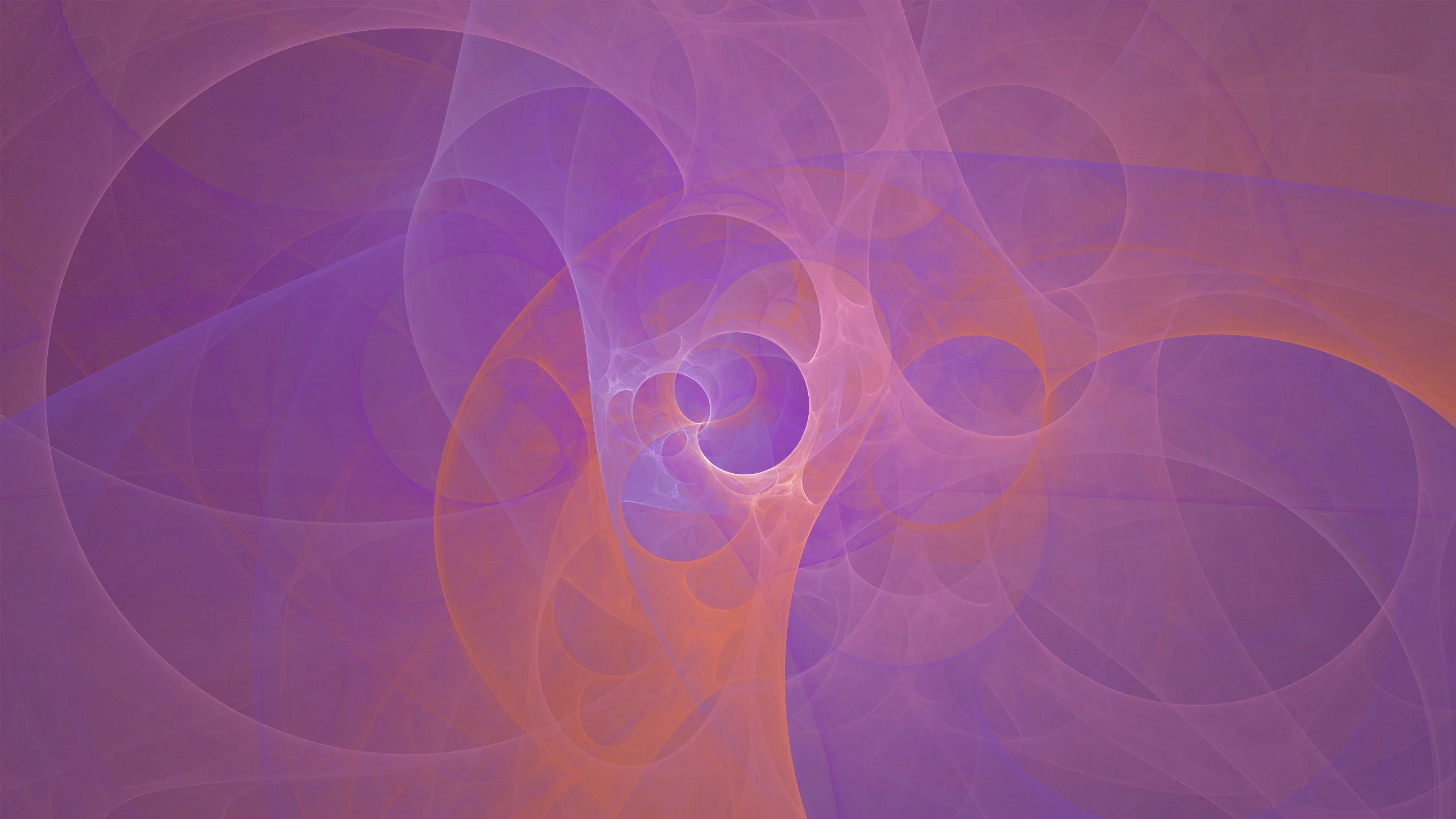
Atheria does not ship you a folder of fractal images. It ships the engine that grows them. Every flame is a genome: a handful of transforms, their weights, and four colour anchors. A GPU runs that recipe billions of times and a picture emerges. Pick one and watch it happen.
How a flame grows
The method is called the chaos game. It is far simpler than the results suggest, and it is what is happening behind this page right now.
Start anywhere
Drop a point at random. Where it starts does not matter, which is the first surprising thing about this.
Pick a transform
Choose one of the genome's transforms at random, weighted, and apply it. Each moves and warps the point its own way.
Record the landing
Add a hit, and a colour, to that pixel. Then go back to step two. The point wanders, but never uniformly.
Do it billions of times
Structure appears out of where the point prefers to be. Bright regions are simply where it went most often.
Because the picture is built from density rather than drawn, it has no edges to go soft and no resolution of its own. That is why a flame can be regenerated at any size, and why two flames with almost identical numbers can look nothing alike.
It is also why the grain never gets smoothed away. Atheria deliberately applies no blur to a flame: every version traded the fine per-pixel grain for coarser blotches, and that grain is the medium's character.
How many flames are there?
More than there are atoms in the observable universe. Not a figure of speech.
Take a six-transform genome, mid-range for the sixteen in the picker. It carries thirty-six affine coefficients before you touch a single variation weight or a colour, and nudging any one of them changes the picture.
Count only the settings that would look meaningfully different, count them stingily, and that one genome shape still reaches roughly 10119 distinct flames. The observable universe holds something like 1080 atoms.
Every assumption there is deliberately mean. Six transforms is mid-range rather than the ceiling, only three of the twelve variation slots are counted, and the palette anchors are counted at half their real precision. The sixteen here are samples, not a catalogue.
Take it with you
Whichever flame you have picked, written out in full. Flames are part of Atheria Pro: one purchase, no subscription, no account.
These sixteen were all made in Atheria's Flame Creator, which generates new genomes from scratch, mutates the one you are looking at, sets the palette and camera, and applies the result to your desktop as a live wallpaper.
A flame you like becomes a share code. Because the whole thing is described by numbers, that short block of text is the flame, complete. Send it to someone and they get the identical result rendered at their own display's resolution, not a compressed copy of your screenshot. It is the one kind of wallpaper that survives being shared.
Copy it, open Atheria's Flame Creator, and press Paste Code. It will be generated on your Mac at your display's own resolution, so it arrives sharp rather than as a scaled copy of a picture.
macOS 15 Sequoia or later, Apple Silicon and Intel. Live wallpapers are Mac only, because iOS does not let a third-party app set one. There is a separate free app for iPhone and iPad, Atheria: Generative Art, which makes the art without setting wallpapers.
Flames on the go
Atheria: Generative Art. Free for iPhone and iPad.
The same engine, in your hand. Start from a preset, conjure a random one, or roll Chaos to invent a species named after its own anatomy, then tap Mutate and follow it wherever it leads. Four colours run through every flame and take the new palette live as you pick them.
Anything you grow travels. Share it as a card image, or as the same short text code this page uses, which another Atheria user can paste to grow the identical flame. And with both apps open, Handoff carries the flame you are making on the phone straight into the Flame Creator on your Mac, ready for the desktop.
The phone app does not set wallpapers, and cannot: iOS does not let a third-party app do that. Growing flames is what it is for. The wallpaper engine is the Mac app.
What it costs to run
The honest version, not the marketing one.
A flame is real GPU work, and Atheria does not pretend otherwise. What it does instead is stop. When the desktop is fully covered by windows, rendering halts completely and picks up again when the desktop becomes visible. You can watch that happen in Activity Monitor.
Under Battery Saving there is more control than that: choose how hidden the desktop has to be before wallpapers stop, slow flames down when most of the desktop is covered, ease them off after five minutes away from the keyboard, cap the frame rate on battery, or pause entirely on low battery and in Low Power Mode.
The canvas on this page follows the same rule. It stops when the tab is in the background, and it is deliberately given a smaller sample budget than the app gets, because a web page has no business spending your battery harder than the wallpaper would.